Make it yours
Pick a color, error correction level, and export size. Your choices are kept for next time.
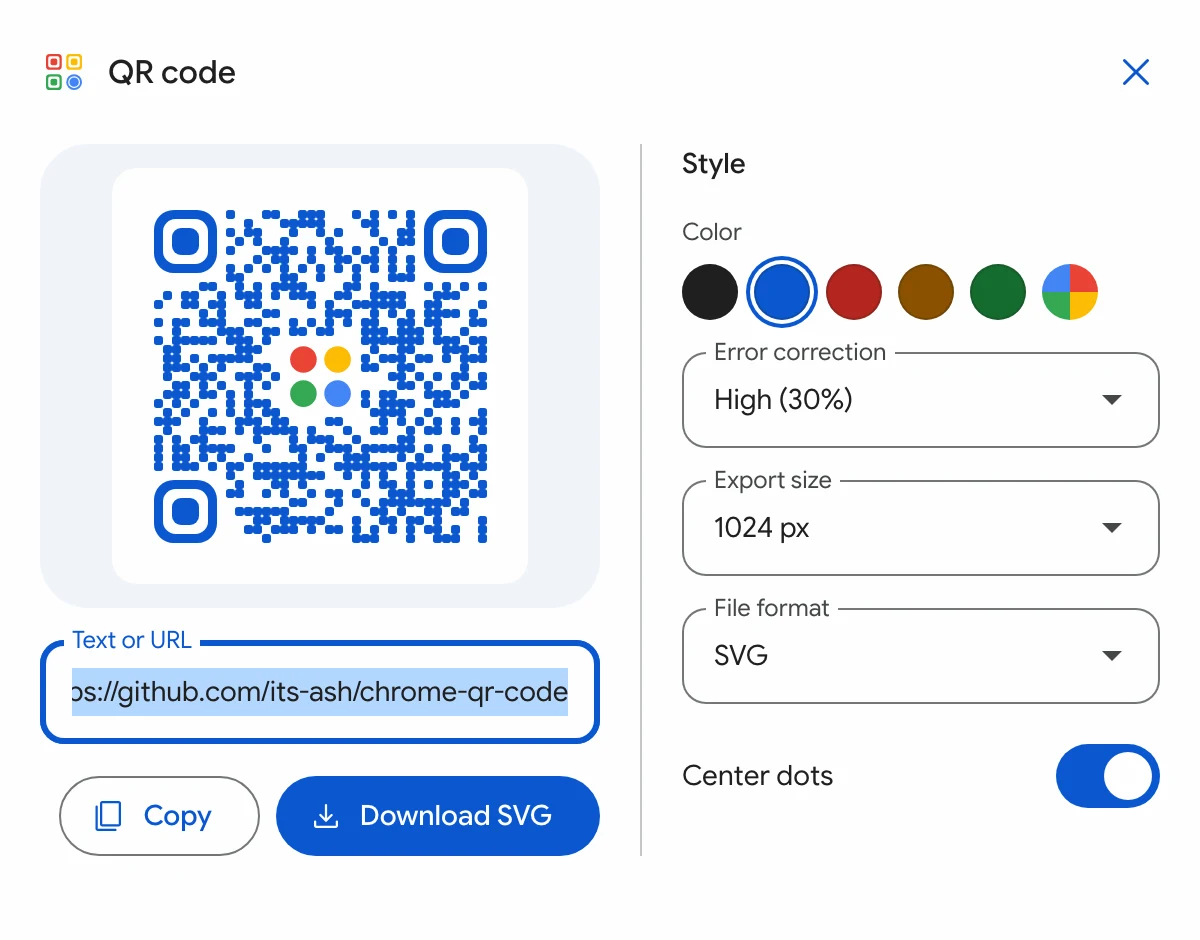
Open the popup and your page is ready to scan. Style it, then save it as PNG or SVG.
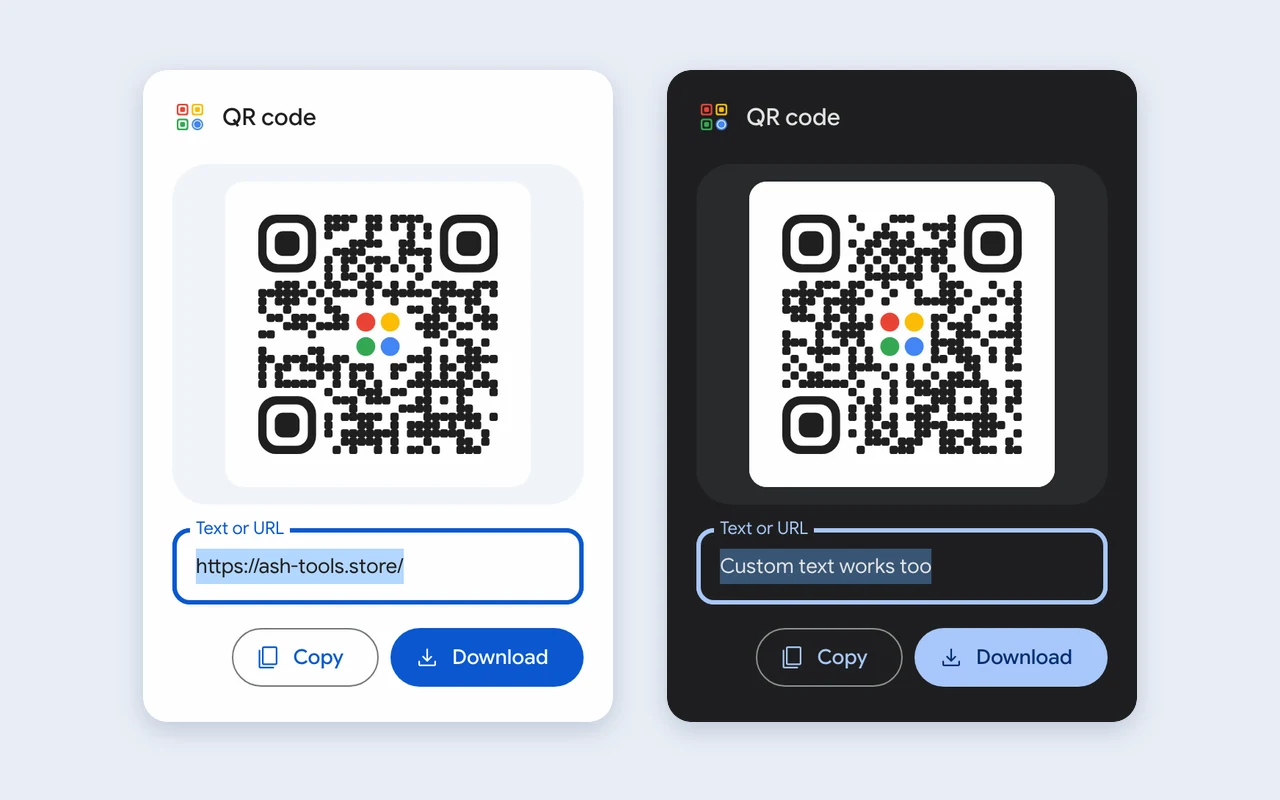
Everything happens in one window that opens from your toolbar.
Pick a color, error correction level, and export size. Your choices are kept for next time.
The address of the current tab fills in by itself. Type to replace it with any text.
Put the image on your clipboard, then paste it into a doc, chat, or slide.
Sharp PNG files up to 2048 px, or a vector SVG for print.

The popup follows your system theme. The code stays dark on light, so every phone camera can read it.
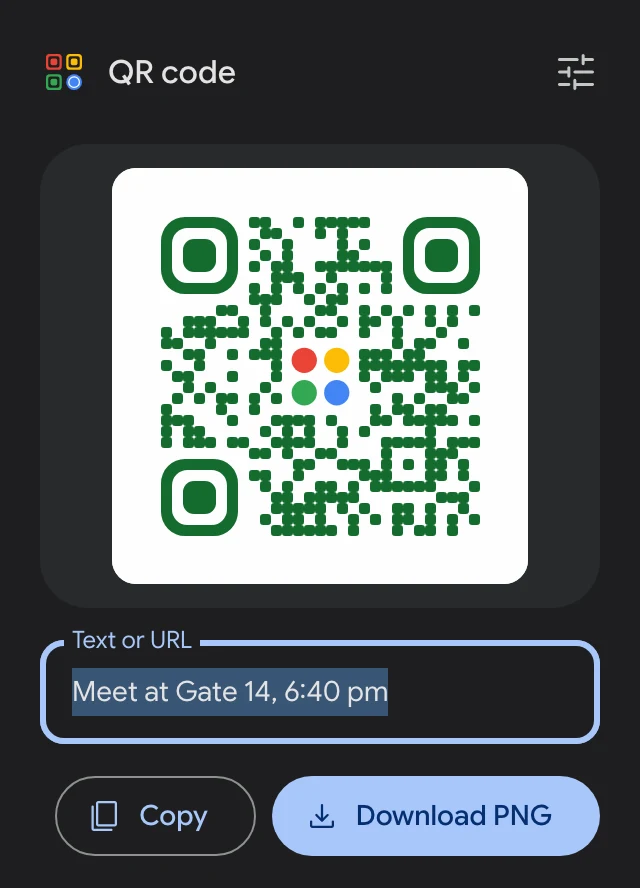
Every code is drawn inside the popup. There is no account, no analytics, and no server.
activeTab, used only when you open the popup.Load the extension in Chrome or any Chromium browser, such as Edge, Brave, or Arc.
dist.chrome://extensionsTurn on Developer mode in the top-right corner.dist folder, then pin QR CODE to your toolbar.